Jinsi ya Kumzawadia Rafiki VPN
Mtiririko wa zawadi unakuwezesha kulipia usajili na kumkabidhi mtu mwingine kiungo. Rafiki yako hahitaji Telegram, wala akaunti, wala hata boti yetu — anabandika tu kiungo katika programu ya Happ. Hivi ndivyo jinsi ya kufanya.
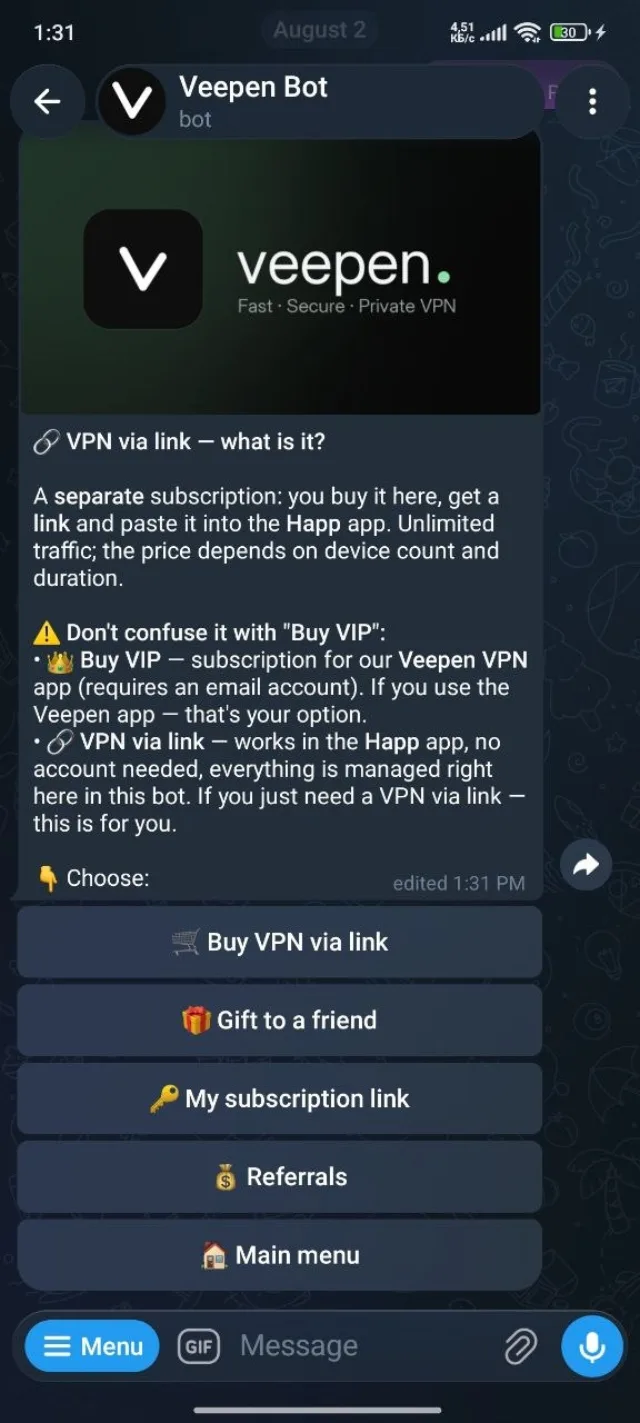
1Fungua "VPN kupitia kiungo" katika boti
Kutoka menyu kuu ya boti chagua VPN kupitia kiungo, kisha chagua Mzawadie rafiki.
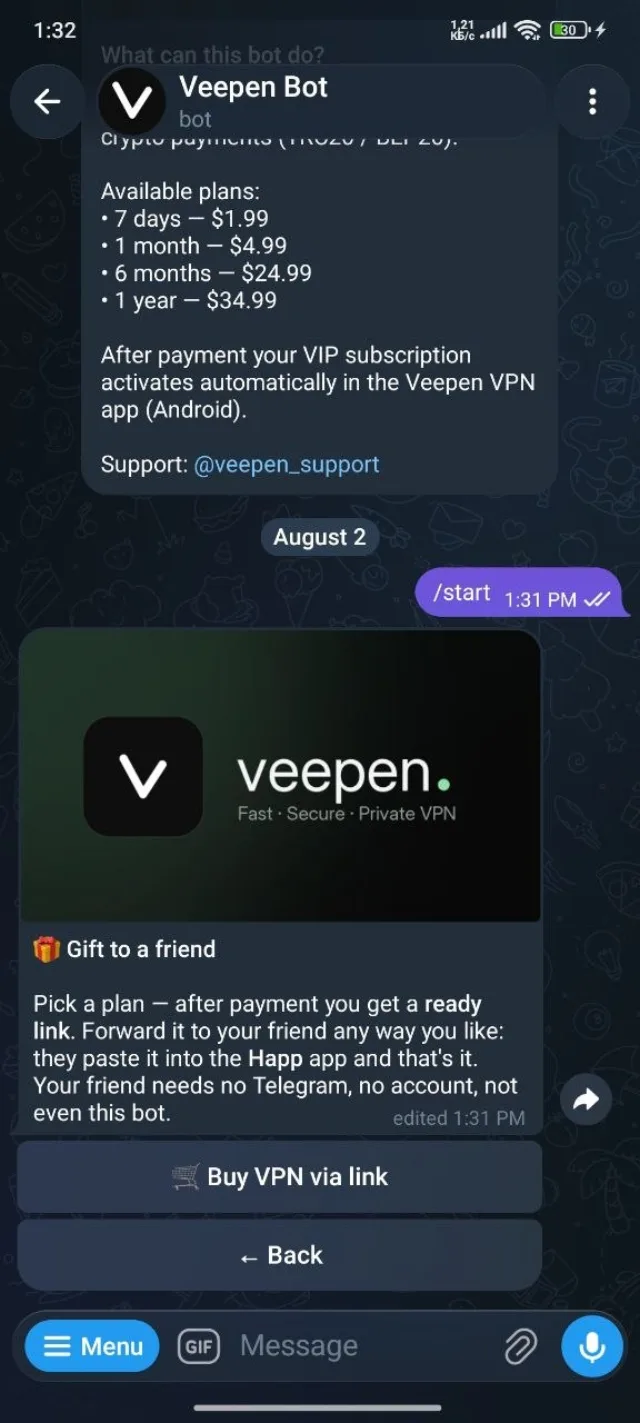
2Soma jinsi kuzawadia kunavyofanya kazi
Boti inathibitisha mtiririko: chagua mpango, lipa, na unapata kiungo kilicho tayari cha kusambaza. Rafiki yako anakibandika tu katika Happ — bila akaunti na bila boti upande wake. Gusa Nunua VPN kupitia kiungo ili kuendelea.
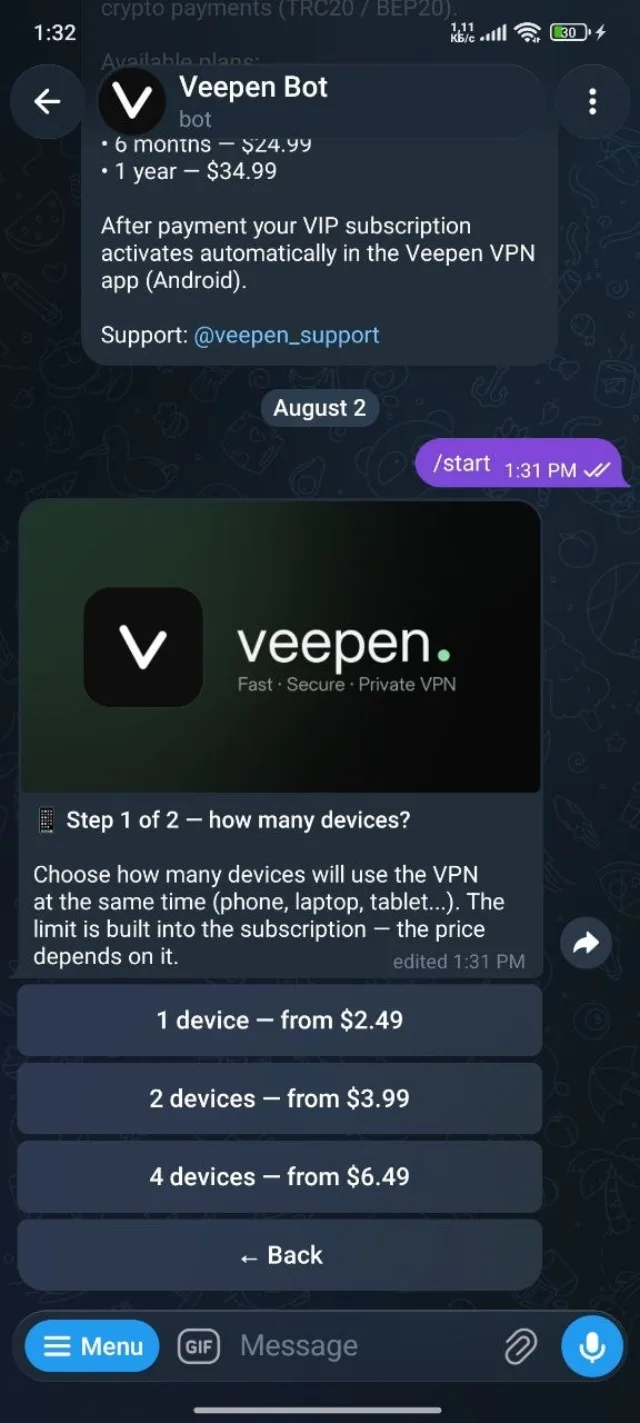
3Chagua vifaa na muda
Kama ununuzi wa kawaida, chagua vifaa vingapi na kwa muda gani. Bei inategemea vyote viwili, na hii ndiyo inayoainisha hasa kile rafiki yako atakachopokea.
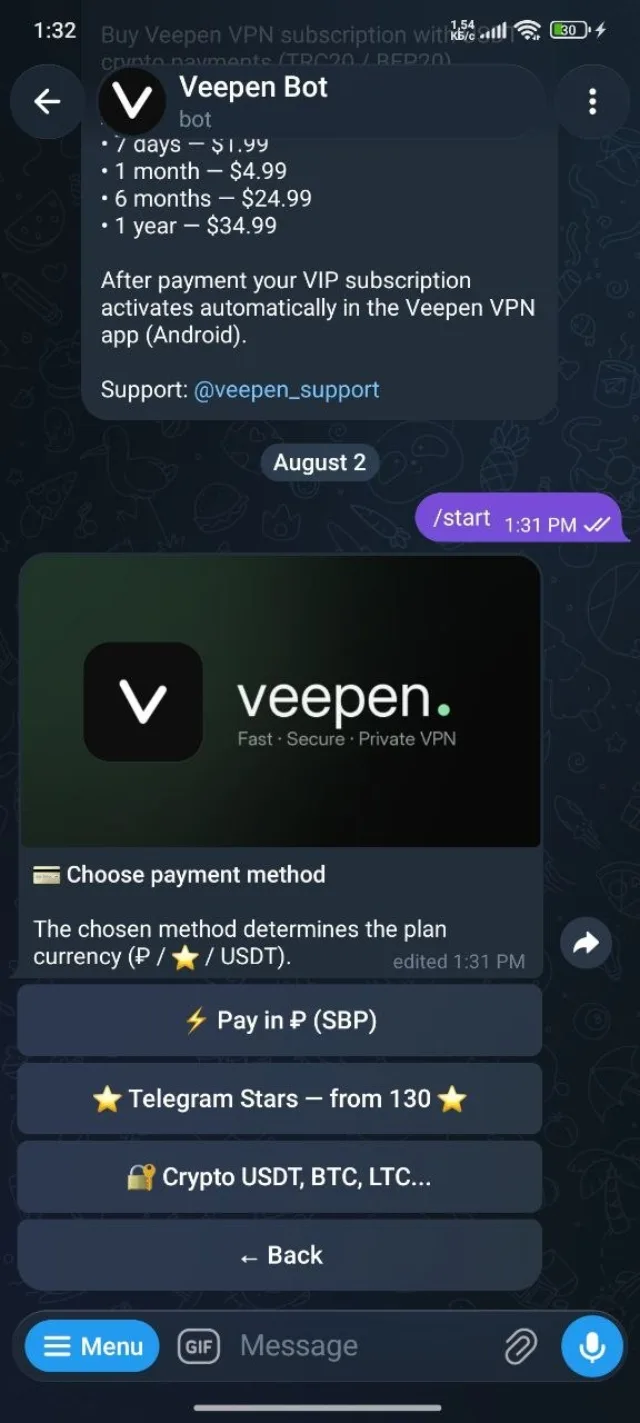
4Lipia zawadi
Chagua njia ya malipo — SBP, Telegram Stars, au sarafu-fiche — na ukamilishe malipo.
5Pata kiungo kilicho tayari na ukitume
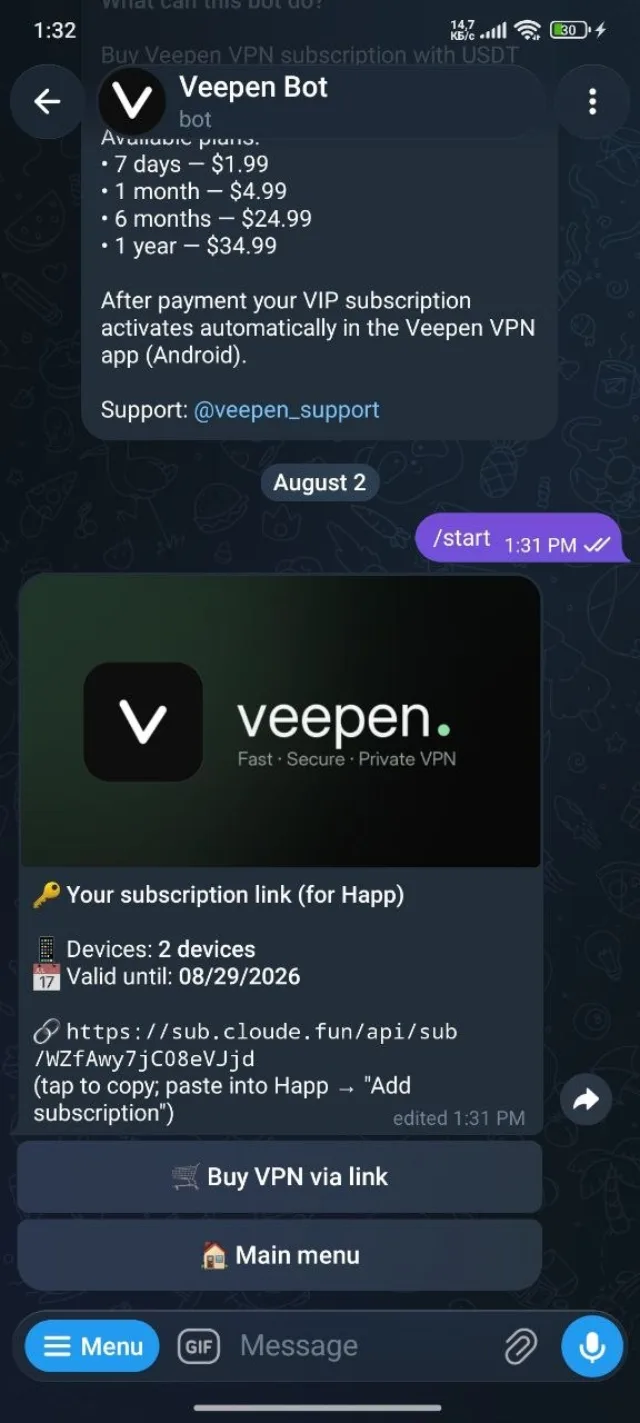
Baada ya malipo boti inakupa kiungo cha usajili kilicho tayari. Msambazie rafiki yako kwa njia yoyote unayopenda — gumzo, barua pepe, popote. Anakibandika katika Happ → Ongeza usajili na kuunganisha. Imekamilika.
Kuzawadia ni njia rahisi zaidi ya kumfanya mtu awe mtandaoni bila kumpitisha katika mchakato wa ununuzi. Kama unashiriki viungo mara kwa mara, programu ya rufaa inakulipa cashback pale marafiki wanaponunua kwa ajili yao wenyewe.