Come regalare una VPN a un amico
La procedura di regalo ti permette di pagare un abbonamento e passare il link a qualcun altro. Il tuo amico non ha bisogno di Telegram, né di un account, né tantomeno del nostro bot — gli basta incollare il link nell'app Happ. Ecco come fare.
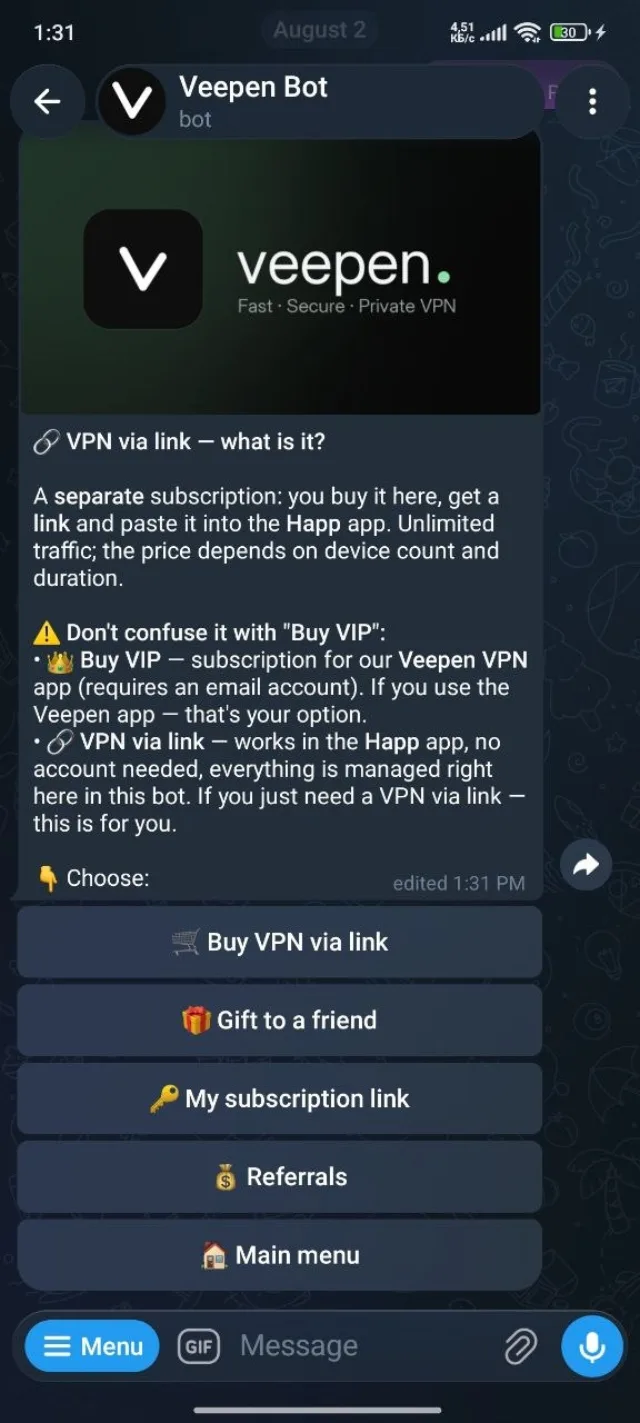
1Apri «VPN tramite link» nel bot
Dal menu principale del bot scegli VPN tramite link, poi seleziona Regala a un amico.
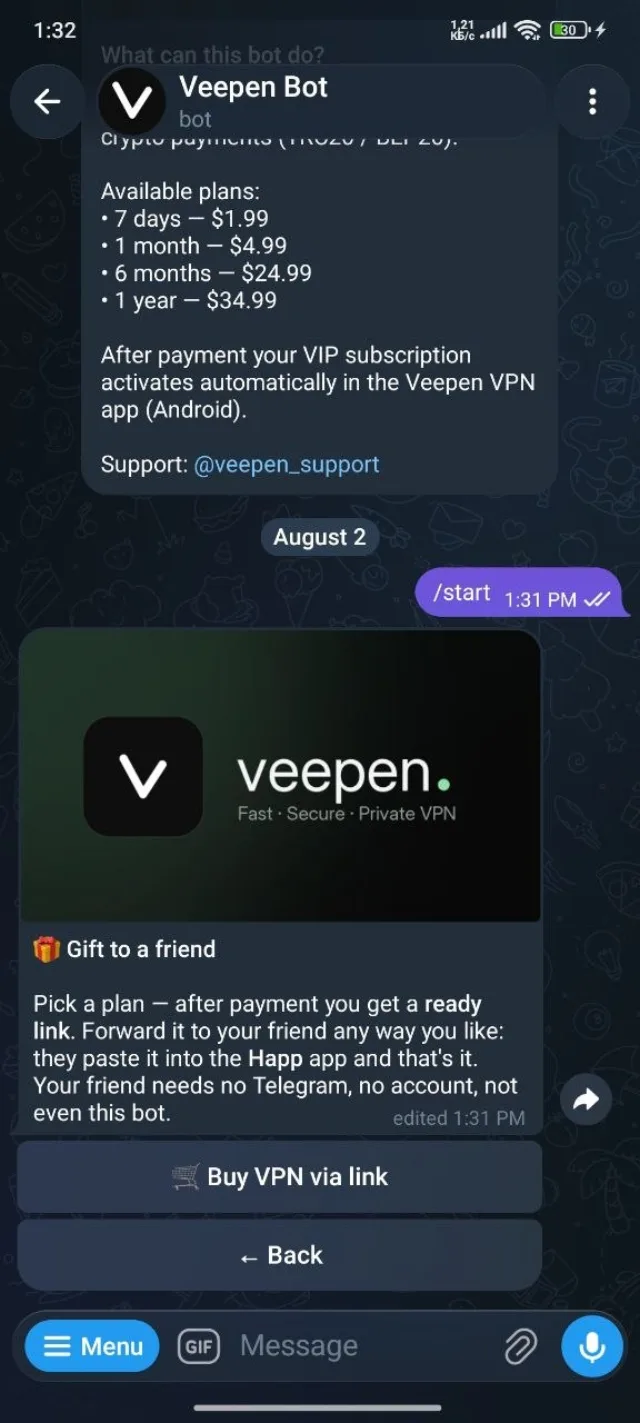
2Leggi come funzionano i regali
Il bot conferma la procedura: scegli un piano, paga e ottieni un link già pronto da inoltrare. Il tuo amico deve solo incollarlo in Happ — senza account e senza bot dalla sua parte. Tocca Acquista VPN tramite link per continuare.
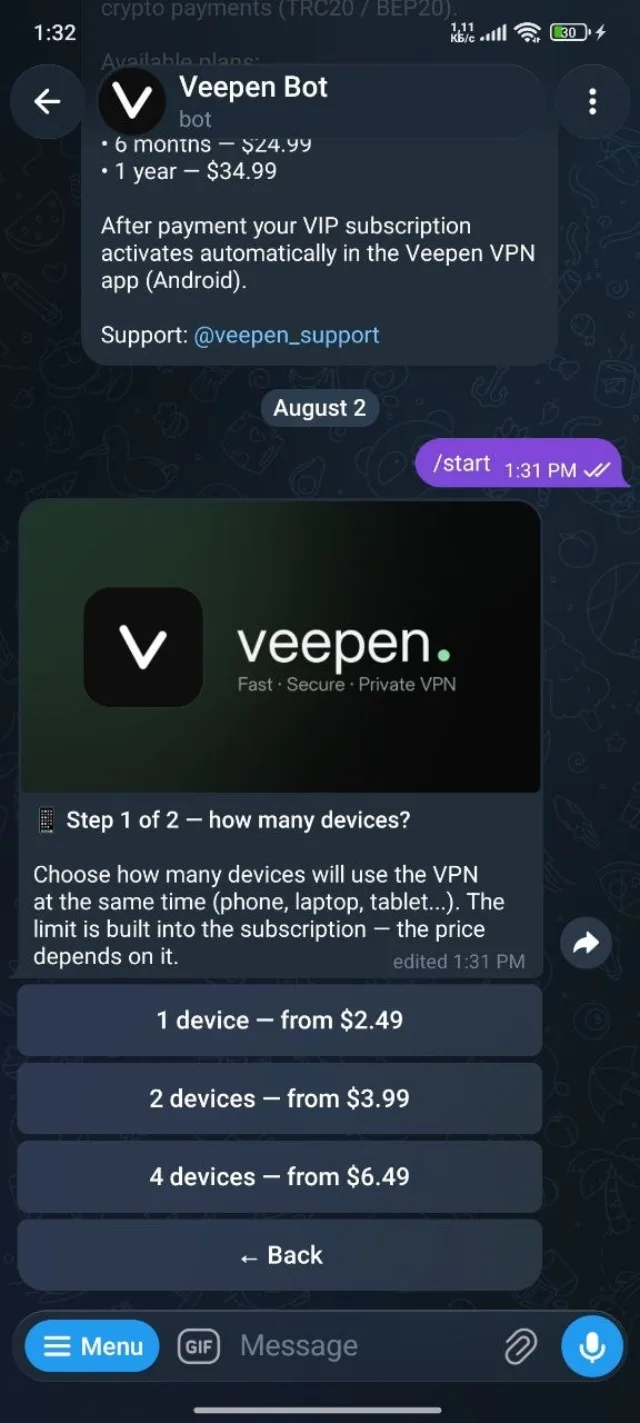
3Scegli dispositivi e durata
Proprio come in un normale acquisto, scegli quanti dispositivi e per quanto tempo. Il prezzo dipende da entrambi e questo definisce esattamente ciò che riceve il tuo amico.
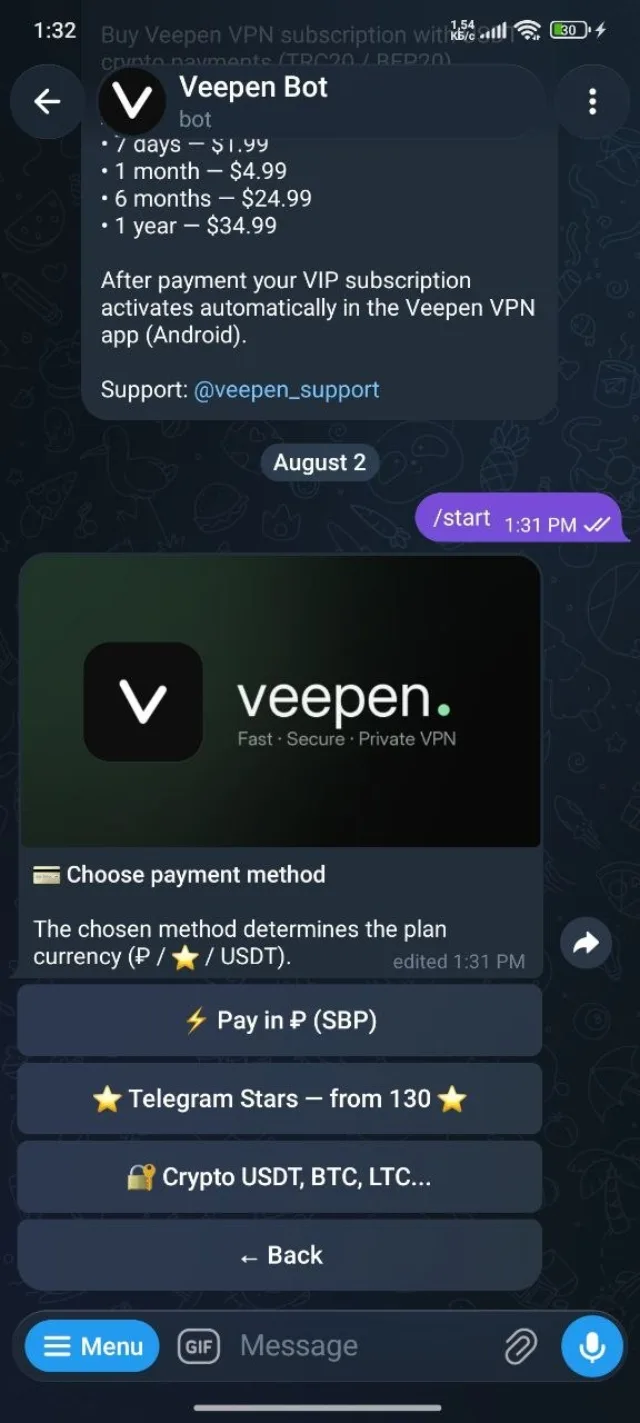
4Paga il regalo
Scegli un metodo di pagamento — SBP, Telegram Stars o cripto — e completa il pagamento.
5Ottieni il link pronto e invialo
Dopo il pagamento il bot ti fornisce un link di abbonamento già pronto. Inoltralo al tuo amico come preferisci — chat, email, ovunque. Lo incolla in Happ → Aggiungi abbonamento e si connette. Fatto.
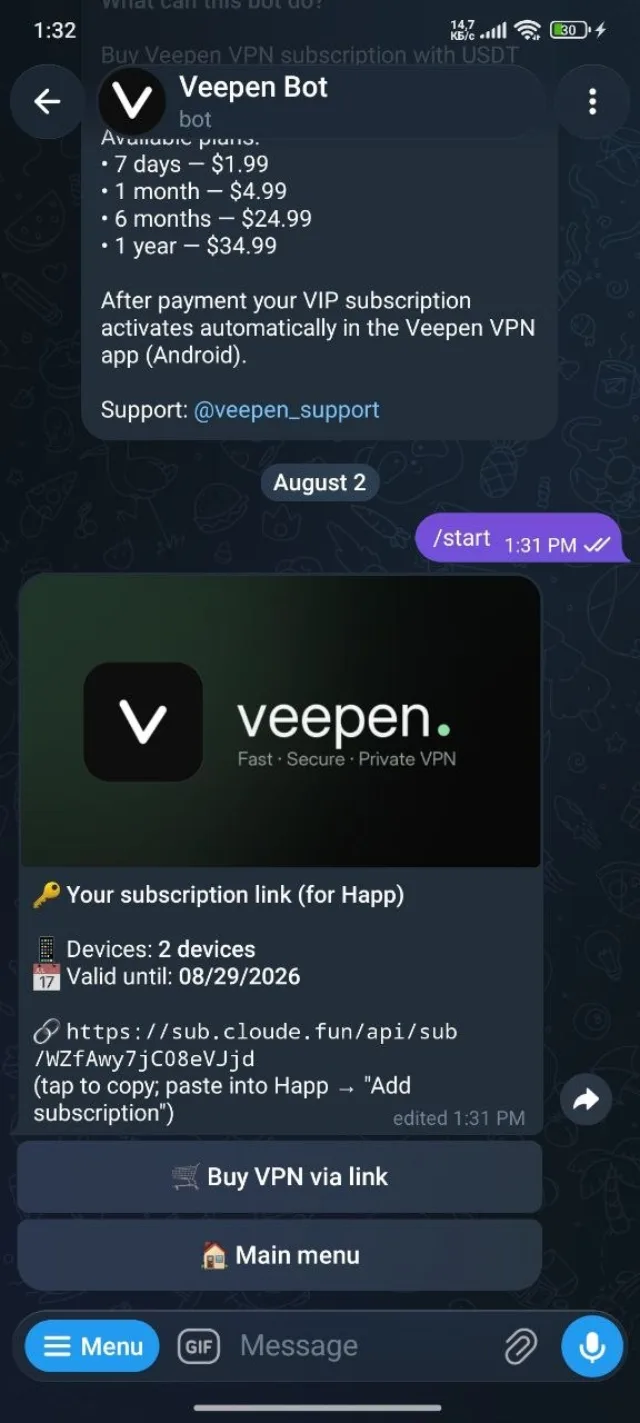
Regalare è il modo più semplice per far connettere qualcuno senza doverlo guidare in un acquisto. Se condividi link spesso, il programma di referral ti dà cashback quando gli amici acquistano per sé.